How to Orchestrate AI Agents Across Your Connected Tools for End-to-End Project Automation
Your single AI assistant is failing you. It can't remember the context from your Figma comments when reviewing a GitHub PR, and it certainly can't trigger a deployment after your CI passes.
This is the core frustration of 2026: we have AI in everything, but no intelligence connecting it all. The real breakthrough isn't a smarter model, it's a smarter system. By the end of this guide, you'll have a blueprint for connecting your tools into a self-managing workflow. But first, we need to dismantle the biggest myth holding you back.
Why Your Single AI Assistant Is Failing Your Complex Projects
The problem isn't a lack of AI. According to industry analysis, over 78% of project management tools now have AI capabilities. The problem is that these AIs operate in complete isolation. This creates 'context amnesia' where you must re-explain the project goals, status, and constraints every time you switch tools.
Think about it this way: asking one monolithic AI to be an expert in UI design, backend security, DevOps, and team communication is like asking one developer to flawlessly handle every stack from embedded systems to frontend animation. It's a recipe for shallow, error-prone outputs.
The cost is immense. Teams waste hours manually bridging the gaps between their 'smart' tools, copying status updates, and translating decisions from Slack threads into Jira tickets. Your single assistant becomes a bottleneck, not a catalyst.
The solution is specialization. Instead of one generalist, you need a coordinated fleet of specialist agents. This is the fundamental shift in the 2026 orchestration stack.
The 2026 Orchestration Stack: MCP, Fleets, and Long-Term Memory
Here's where it gets interesting. The key enabling technology is the Model Context Protocol (MCP). Think of MCP as a universal translator for your toolchain. It provides a standardized way for any AI agent to securely access and operate your tools like GitHub, Figma, or your CI/CD pipeline, regardless of the underlying model.
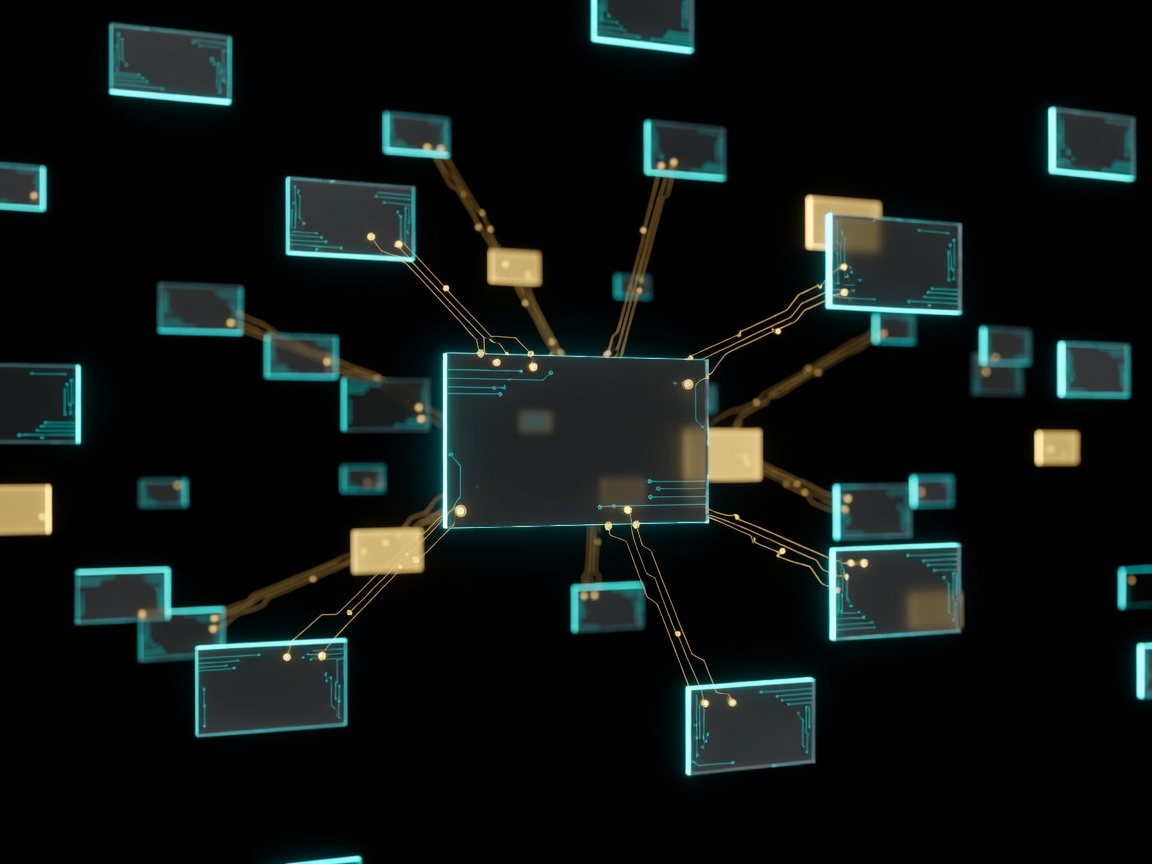
This allows you to move from a single agent to a managed fleet. You deploy a specialist 'Code Reviewer' agent that lives in your GitHub pull requests. A 'Design System' agent monitors your Figma files for consistency. A 'Comms Orchestrator' manages updates in Slack or Microsoft Teams.
But a team needs memory. This is the second pillar: implementing persistent, long-term memory. Your agent fleet shouldn't start from zero every Monday. It should remember that the 'performance' label on a PR last month required specific Lighthouse checks, and apply that learning automatically.
Gartner now lists multi-agent systems as a top strategic trend, and for good reason. Orchestrating role-specific agents is what unlocks true, scalable automation.
Now for the part nobody talks about: memory isn't just about recall. It's about creating a shared understanding across your entire agent fleet, turning past decisions into future automation.
Building Your First Autonomous Workflow: From PR to Production
Let's apply this with a concrete, step-by-step example. Your goal: automate the flow from a merged pull request to a staged production deployment.
First, connect your tools via MCP servers or pre-built integrations. Your core nodes are GitHub, your CI/CD platform (like Jenkins or GitHub Actions), and your notification channel (like Slack).
Here's the handoff protocol. Your 'Code Reviewer' agent, which has been analyzing the PR, marks it as 'approved'. This action triggers your 'CI Watcher' agent. The CI Watcher monitors the pipeline build. On a 'pass' status, it automatically triggers your 'Deployment' agent to deploy to a staging environment.
This is where most people get stuck: the safety net. You must define guardrails. For this workflow, a human-in-the-loop checkpoint is essential before final production deployment. Your 'Deployment' agent can be configured to send a summary to Slack and wait for a specific approval emoji or command from a team lead.
You've just created a self-managing circuit. The human effort shifts from manual triggering to oversight and exception handling.
Scaling Without Chaos: Managing Multi-Agent Teams in Your Realm
Managing two agents is simple. Managing ten, each with different specialties and tool access, requires an orchestrator. This is a central, lightweight agent whose sole job is task assignment and conflict resolution.
Imagine your 'Design System' agent flags a UI component in Figma that doesn't match guidelines. It doesn't message a developer directly. It creates a task. The orchestrator assigns it to your 'Frontend Agent' and also notifies the 'Project Logger' agent to update the project timeline.
Monitoring is non-negotiable. You need observability into agent performance, token usage, and decision logs. This isn't just about cost; it's about understanding your automation's 'why'. Why did the deployment agent fail? The log shows it couldn't access a newly added environment variable.
This is the DevGhouse model. A shared 'Realm' acts as the unified cockpit for your entire agent fleet, credits, and connected tools. It provides the observability layer and the shared context-the memory and state-that every specialist agent draws from. The platform becomes the operating system for your autonomous team.
Your 15-Minute Setup Plan for End-to-End Automation This Week
You don't need to boil the ocean. Start small, prove the value, and scale. Here is your four-step plan to launch in 15 minutes.
Step 1: Audit. Open your calendar and identify your top 3 repetitive, time-sink tasks. Example: compiling status reports from different tools, triaging incoming support emails, or updating project timelines after a completion.
Step 2: Map. For your chosen task, draw the data flow. Where does the information start (e.g., a completed Todoist task)? Where does it need to go (e.g., a cell in a Google Sheets dashboard)? Which tools are in between?
Step 3: Deploy. Using a platform with pre-built integrations (like DevGhouse), connect the two most critical tools in your flow. Deploy your first two agents: a 'Trigger' agent that watches for the starting event, and an 'Action' agent that performs the final update.
Step 4: Measure. Define one 'golden metric'. For status report automation, it could be 'Time saved per week'. For deployment, it could be 'Reduction in manual deployment errors'. Measure it from day one.
This approach cuts through the hype and delivers tangible results. Teams leveraging orchestrated AI agents are reportedly handling significantly more projects simultaneously with fewer errors. The shift is from using AI as a chatbot to deploying it as an integrated team member.
The core takeaway is this: The power of AI in 2026 is not in any single model's intelligence, but in the orchestrated collaboration of multiple specialized agents across your entire toolchain.
Your specific next action: Block 15 minutes today for Step 1. Audit your tasks and name your biggest repetitive headache.
Which workflow are you planning to automate first? The tradeoffs between simplicity and power are real. Drop your plan or your experience with multi-agent systems in the comments below.